

This tutorial will provide an overview of the comprehensive route building capabilities of Bus, including tools for searching, mapping, and advanced route editing.
First, click on the mapping icon.
Next, select Default StreetAI Satellite View and Transport for New South Wales 6.
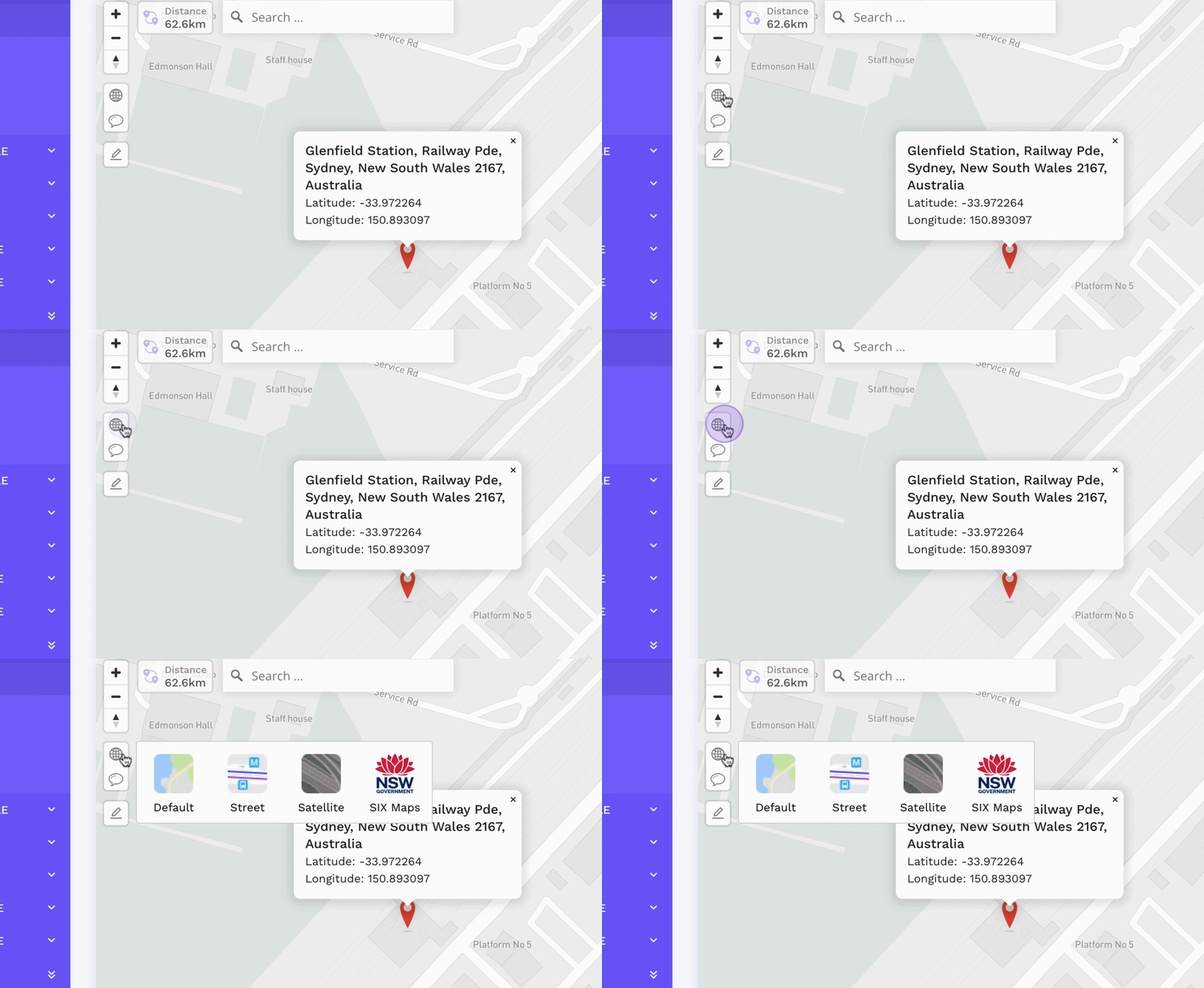
You will be presented with high-resolution satellite imagery.

Utilize the advanced route editing tools available for refined route management.
On the left-hand bar, you can display all points on the map.
These points serve as stops from Transport for New South Wales.

Explore various options for route building, including adding routes, optimizing waypoints, and snapping to road.
By following these steps, you can effectively utilize Bus's tools for building routes and managing stops.