TL;DR
1
Explore Publishable Module
Understand the features and benefits of the Publishable module.
2
Access School Timetables
View school services by clicking on school names.
3
Check Venue Timetables
Find services for venues like pubs and clubs.
4
Embed on Websites
Easily integrate modules into your bus operator website.
5
Reduce Phone Inquiries
Provide information online to minimize customer calls.
Let's Do It Together!
Step 1: Overview of Modules
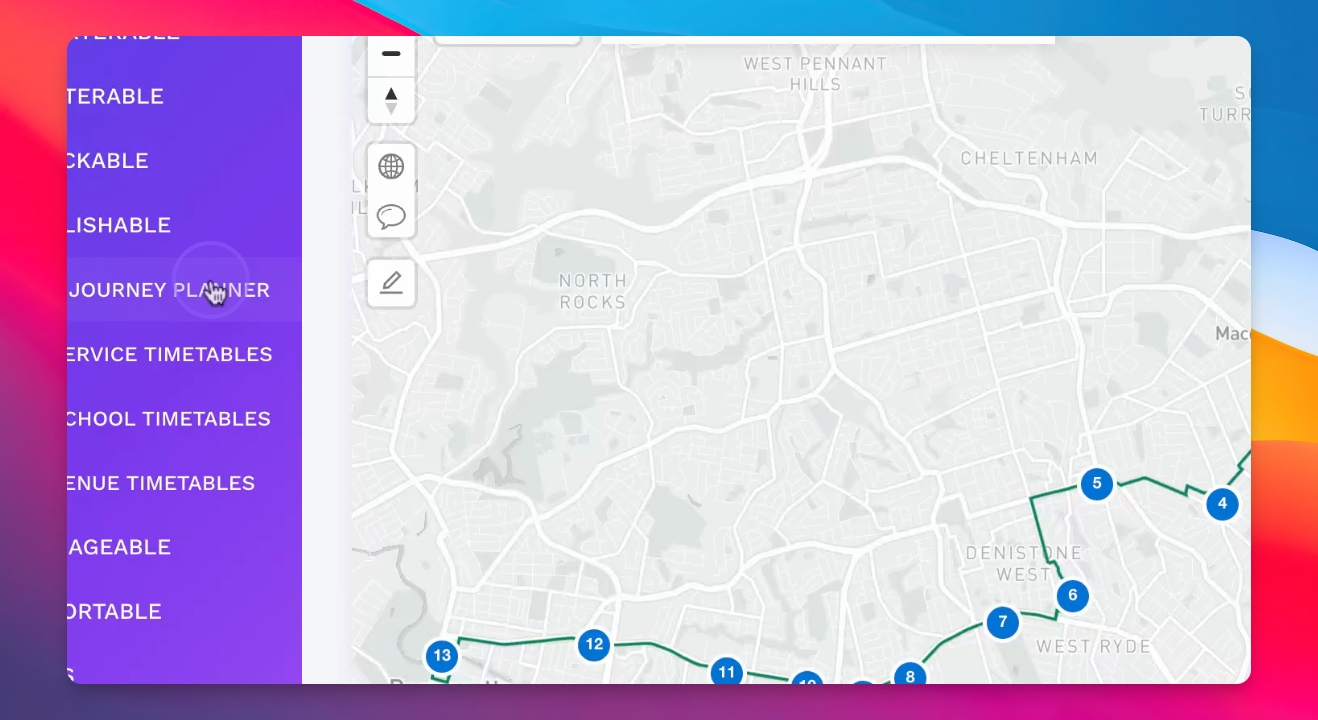
Inside Publishable, there are four modules available.
The Journey Planner helps passengers find the best routes.
Step 2: Access School Timetables
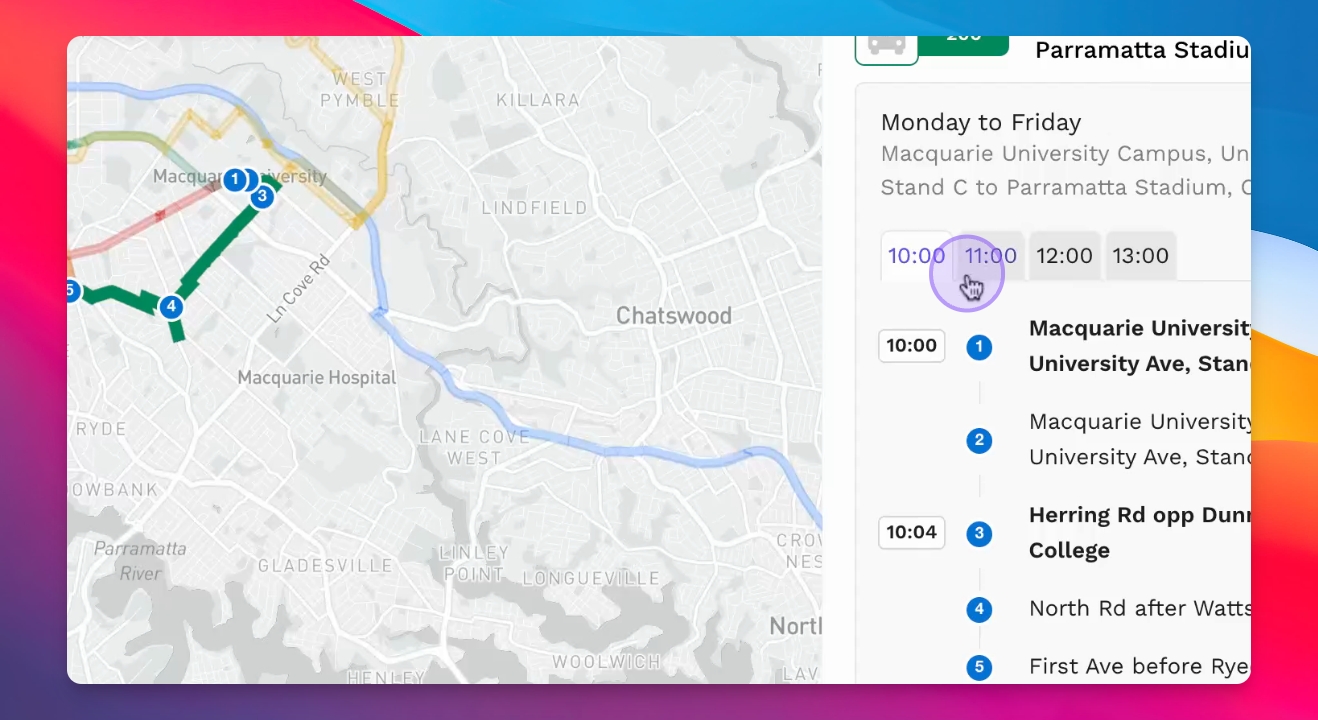
On the right, a school timetable list is available.
Click on each school to view the services that serve that school.
This feature helps bus operators display essential information for school services.
Step 3: Venue Timetables
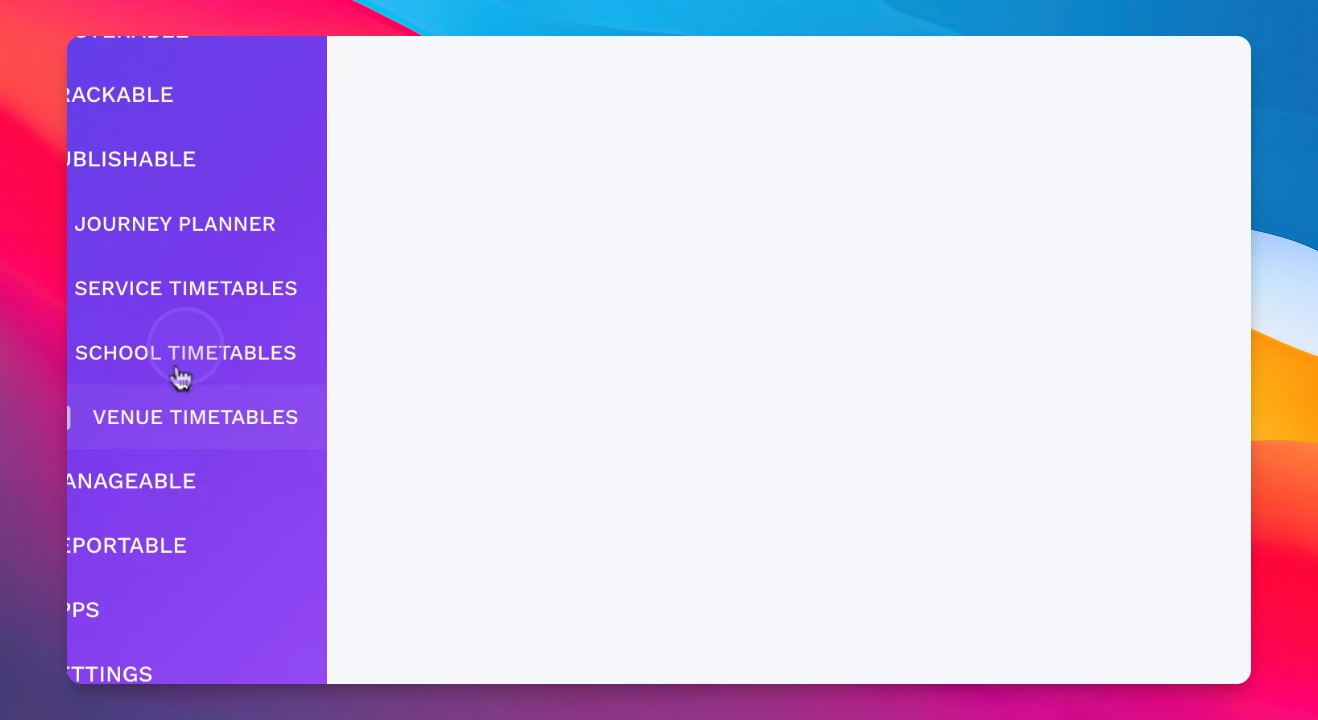
The venues timetable provides service information for venues like pubs and clubs.
Step 4: Embedding Modules
These modules can be easily embedded onto any website.
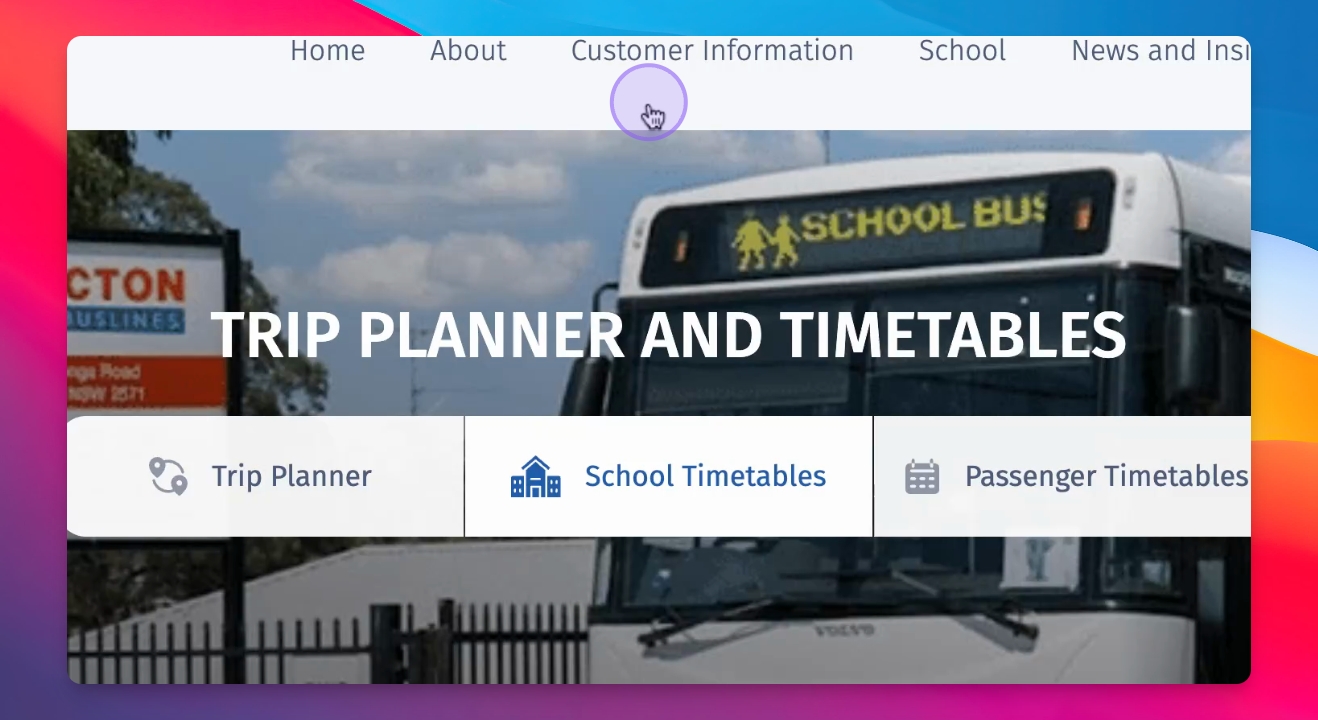
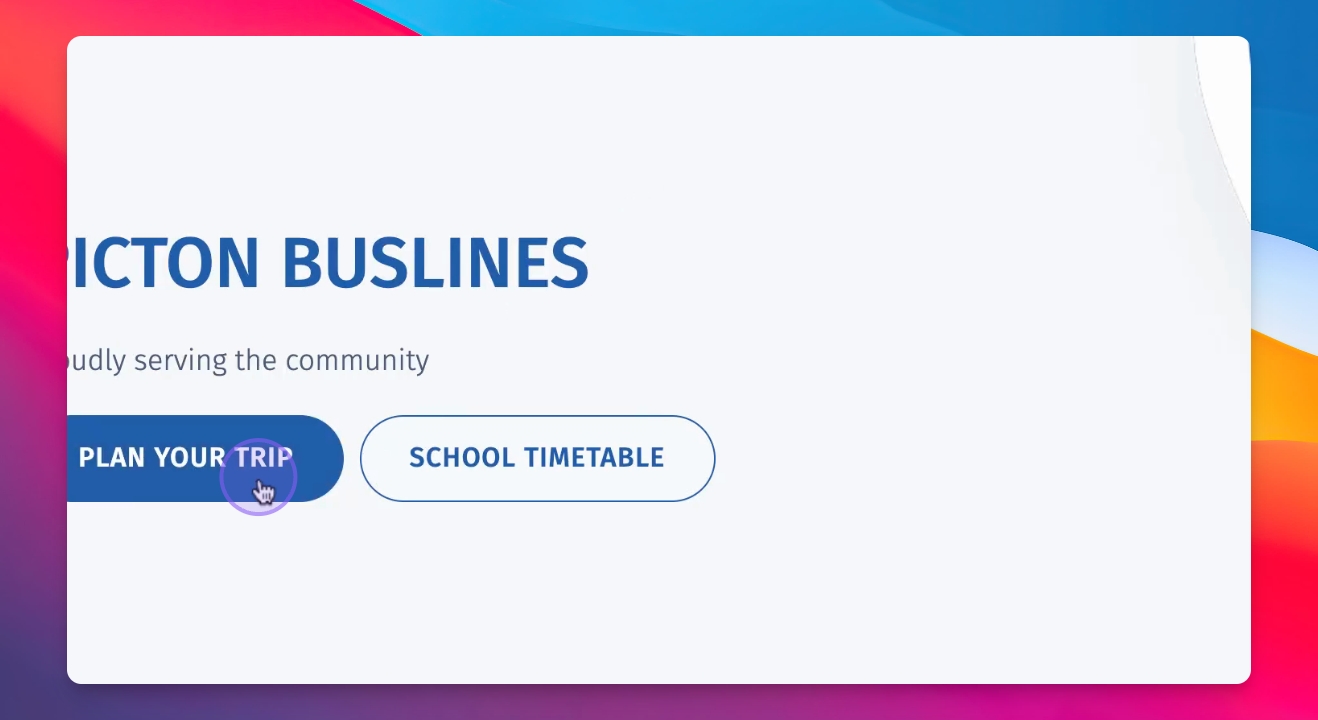
For example, visit Picton Bus Lines and click Plan Your Trip.
This integration allows customers to access journey planning information directly.
Step 5: Benefits of the Modules
Display modules on your website to provide essential information to customers.
This reduces inbound phone calls and helps support staff assist customers quickly.