Let's do it together!
Step 1: Access Module
Open the Rostering Driver Duties module to manage your driver duties effectively.
Step 2: View Duties
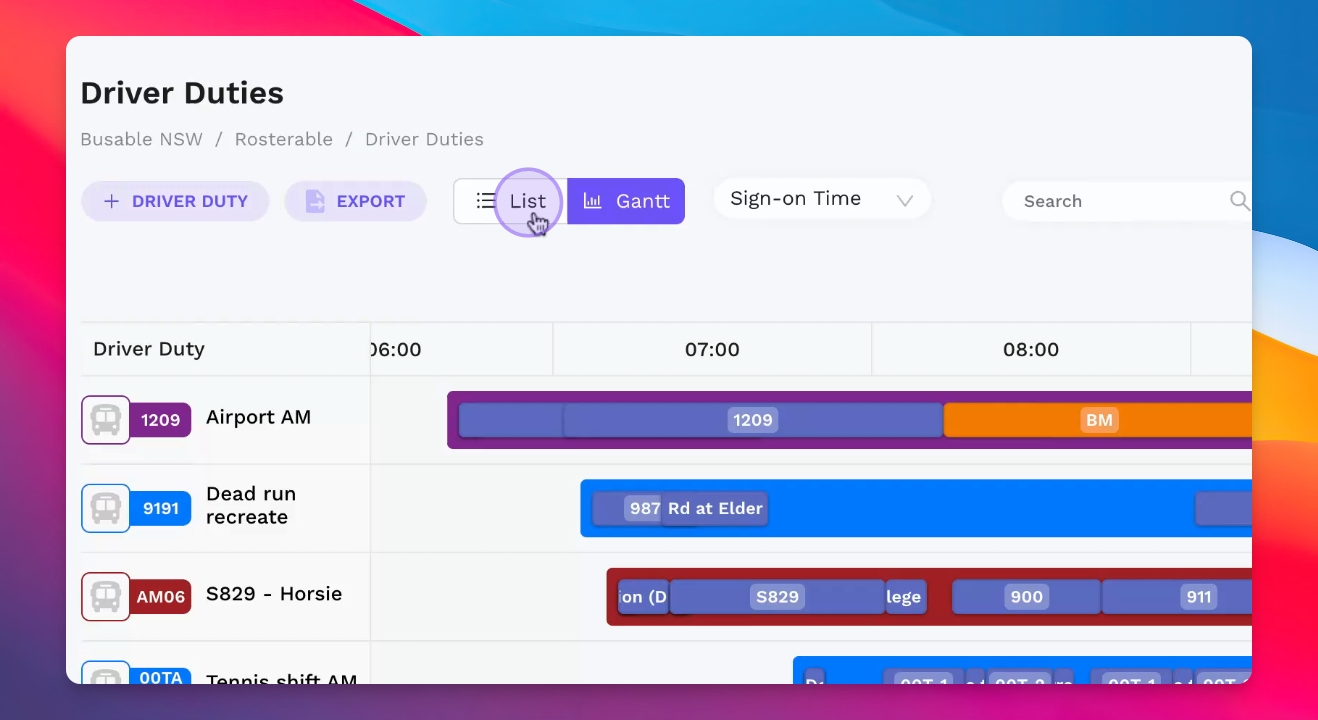
View driver duties ordered by the Gantt chart or switch to list view by clicking on a driver duty.
Step 3: View Instructions
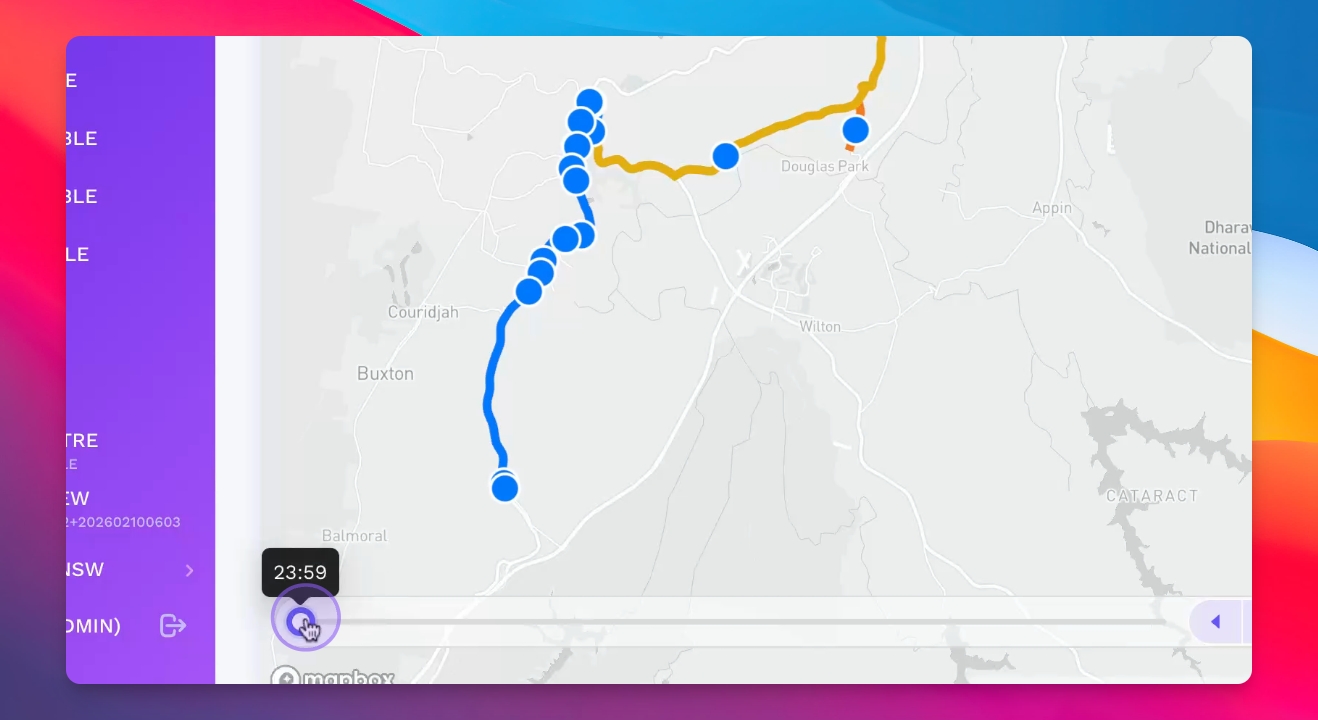
Use the map on the left to see how the service should be performed along with step-by-step instructions.
Step 4: Set Start Time
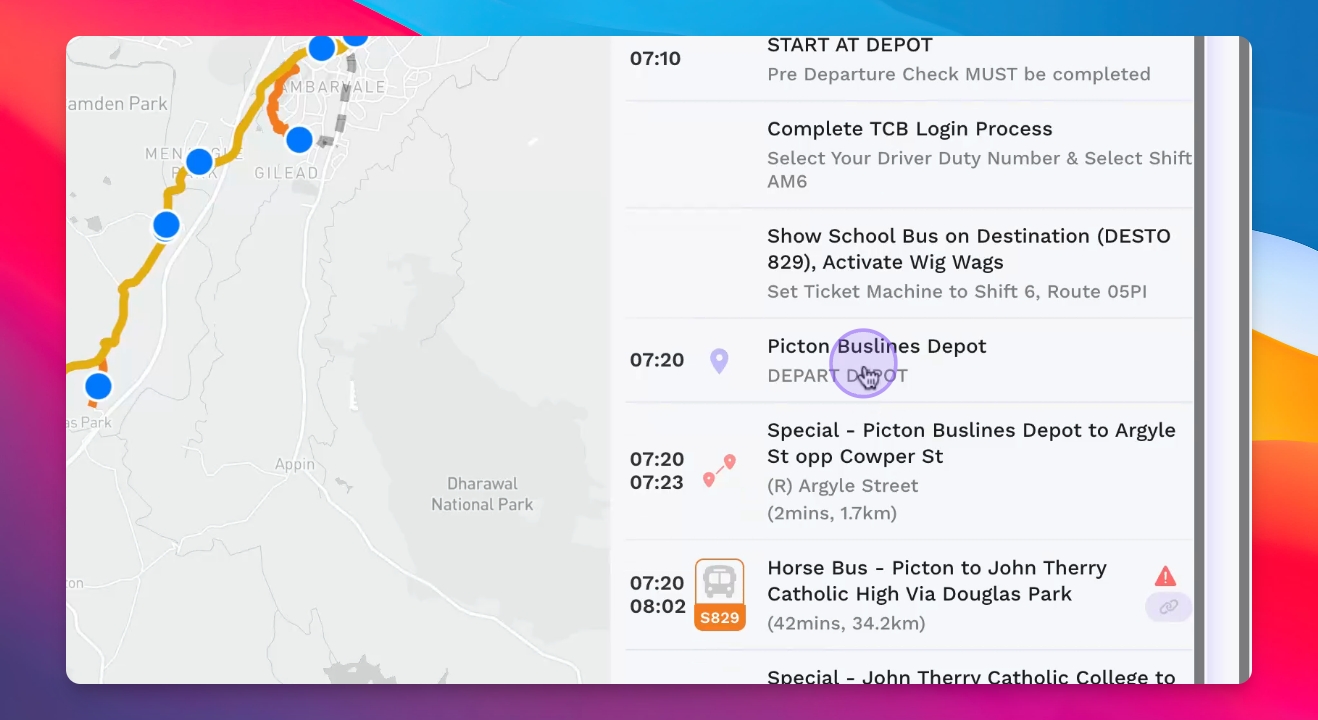
Specify the start time for depot whereabouts on the right side of the interface.
Step 5: Define Departure Points
Set the point of departure, including dead runs and actual services with automatically calculated routes.
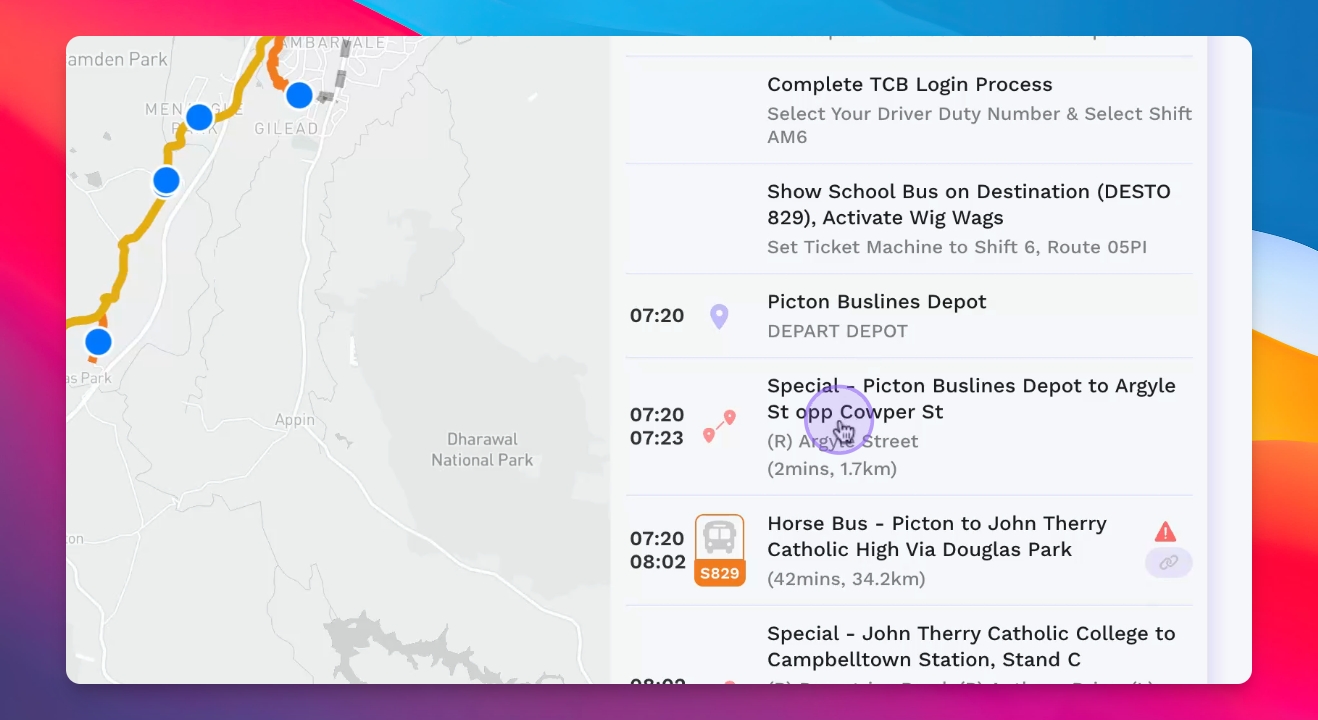
Step 6: Edit Duties
Edit driver duties by adding row items as needed, including additional services or notes.
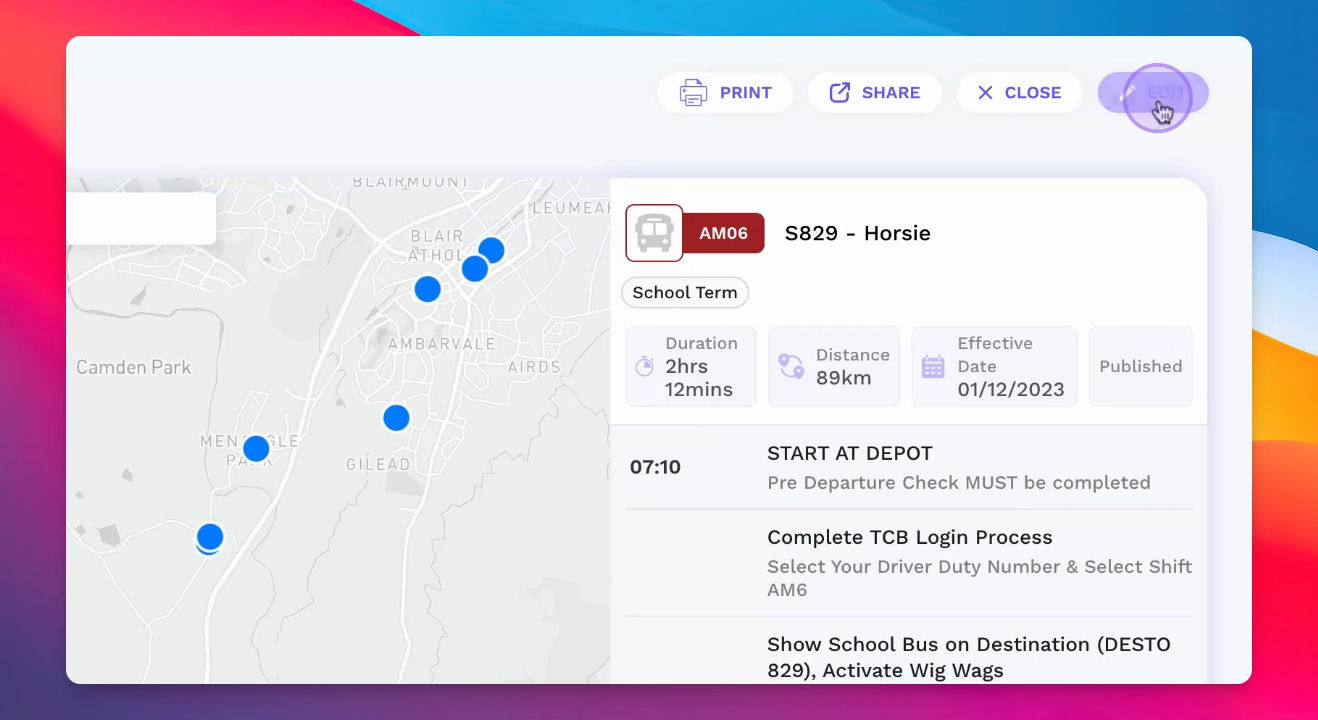
Step 7: Ensure Clarity
Provide comprehensive information so drivers know their tasks for the day.
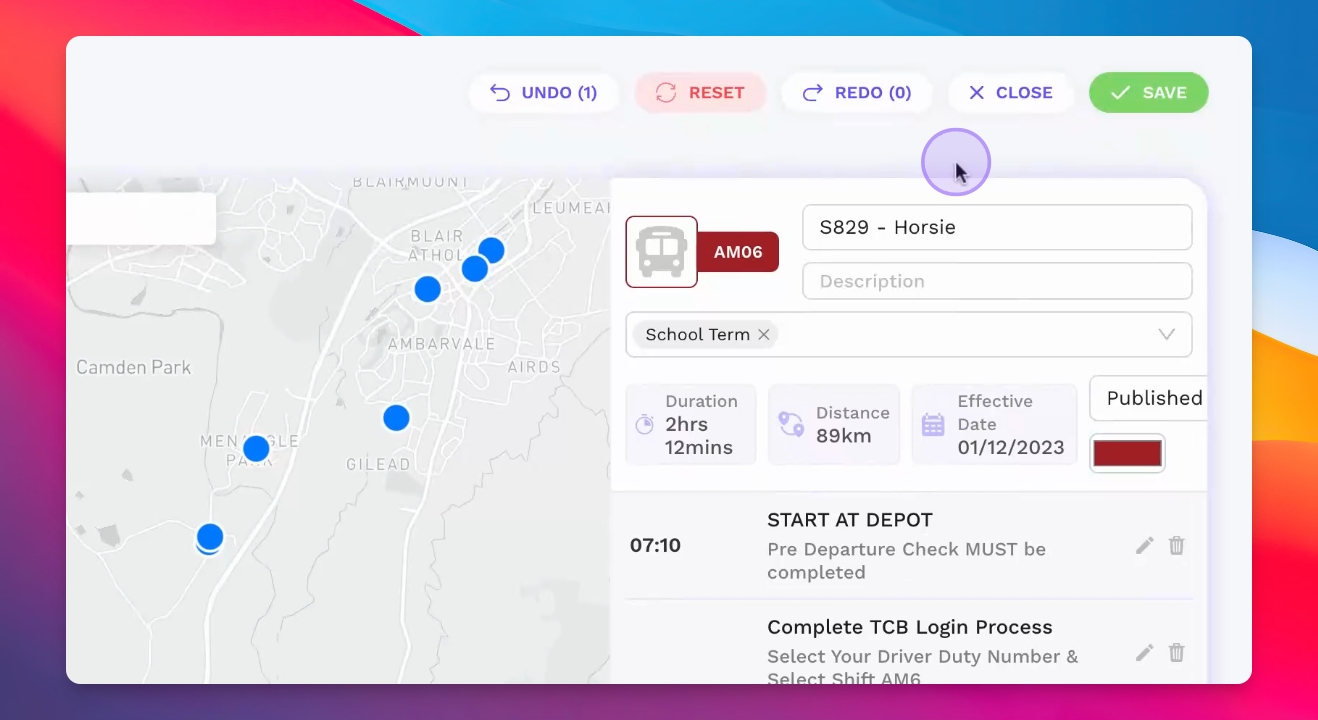
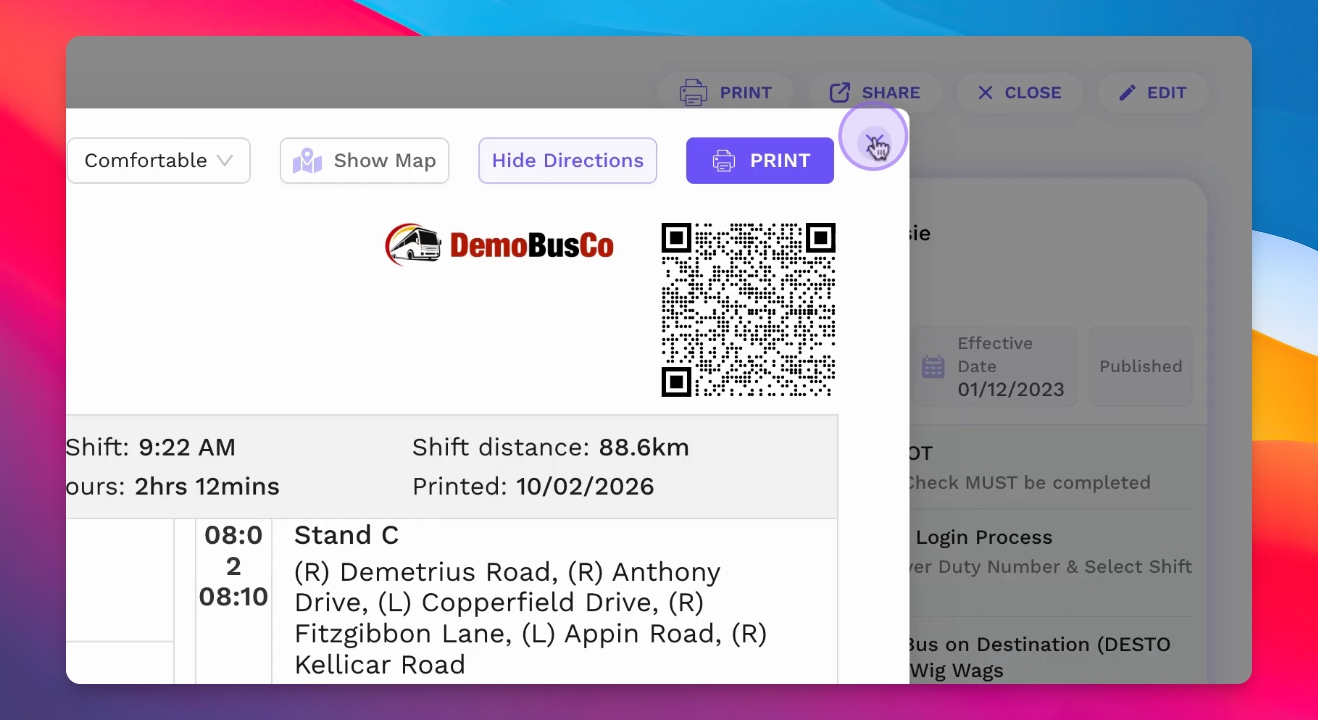
Step 8: Print Run Sheet
Print the driver run sheet using various layouts to suit your needs.
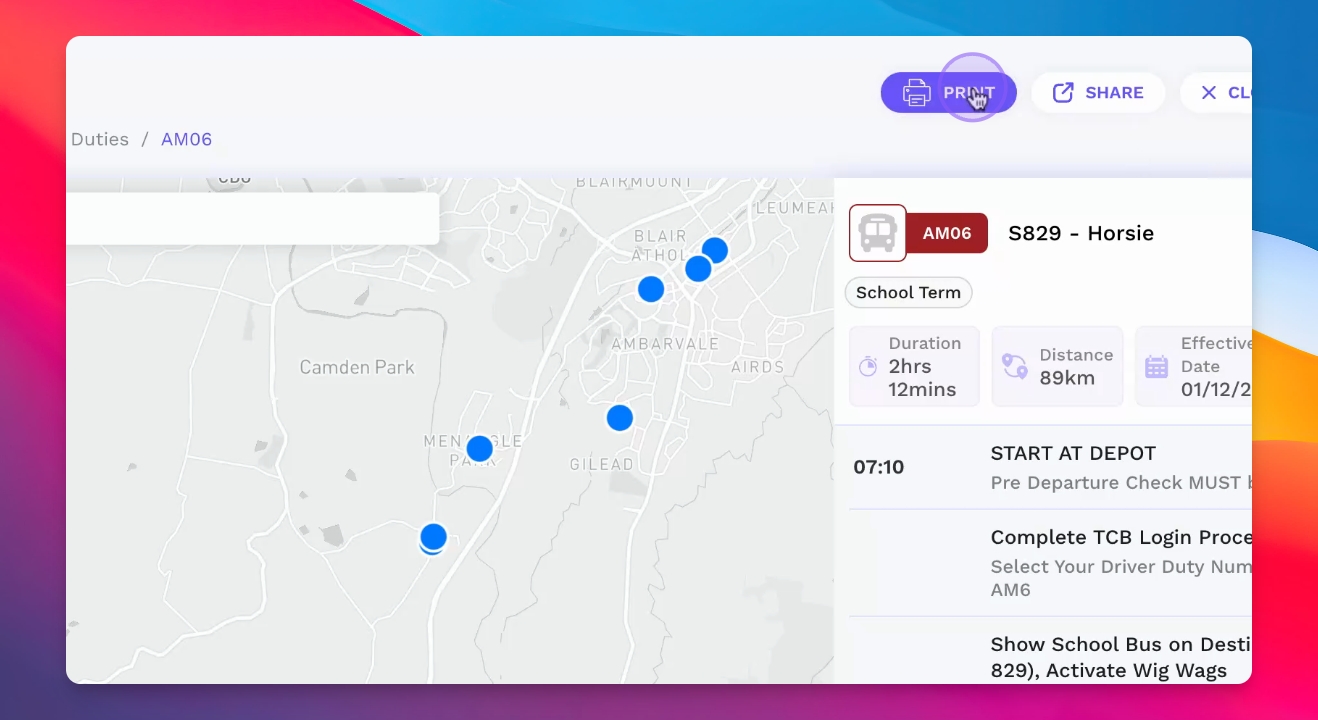
Step 9: Use QR Code
Drivers can scan the QR code to access the digital version of their duties on a device.
Step 10: Share Duties
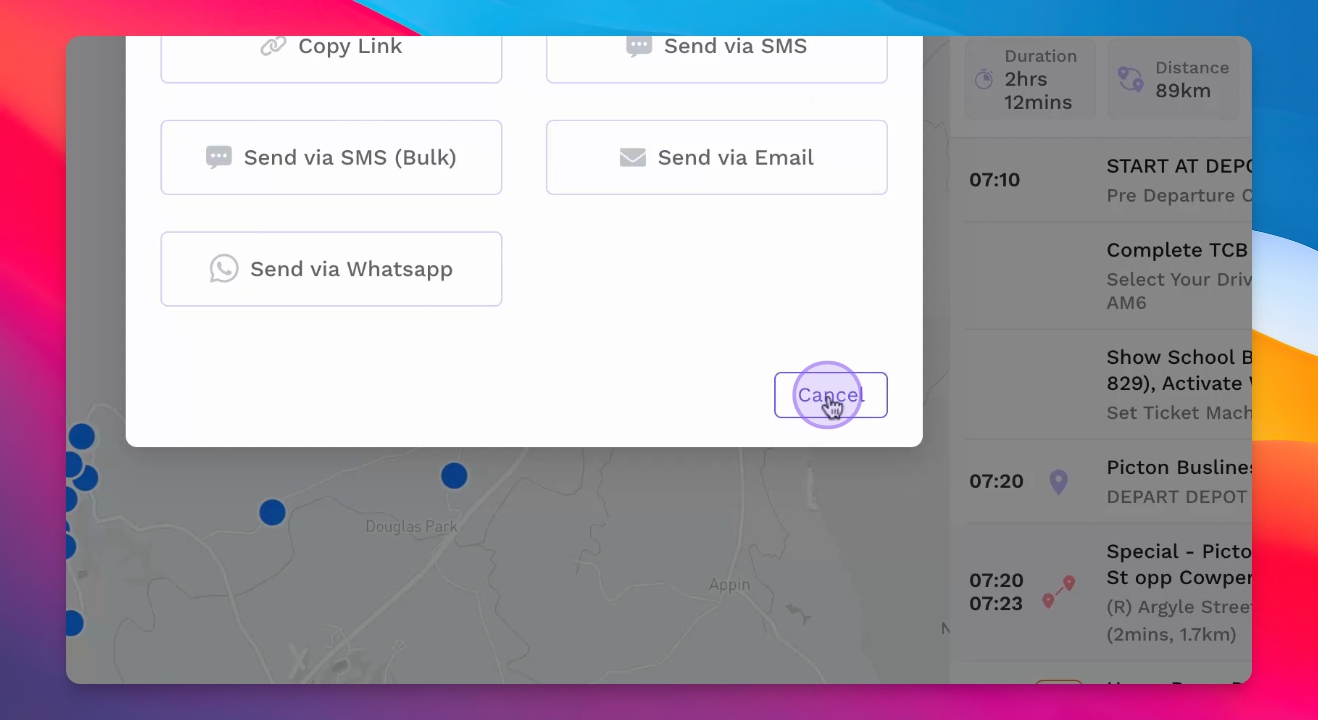
Share driver duties digitally with drivers or others using a link.