TL;DR
1
Log in to the portal
Access the intranet portal for your staff.
2
Check important info
View alerts, news, and e-learning resources.
3
Access driver maps
Use interactive maps for route learning.
4
Explore courses
View and manage learning courses.
5
Use course resources
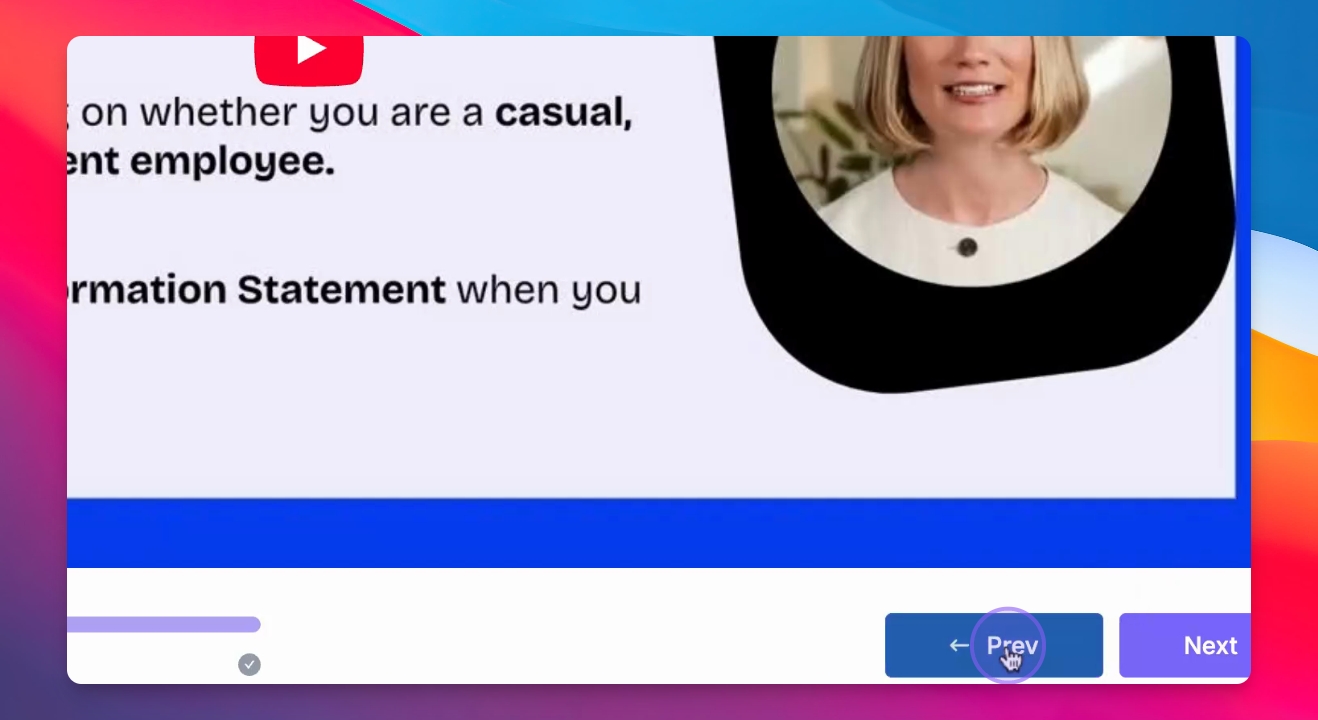
Engage with videos, quizzes, and lessons.
Let's Do It Together!
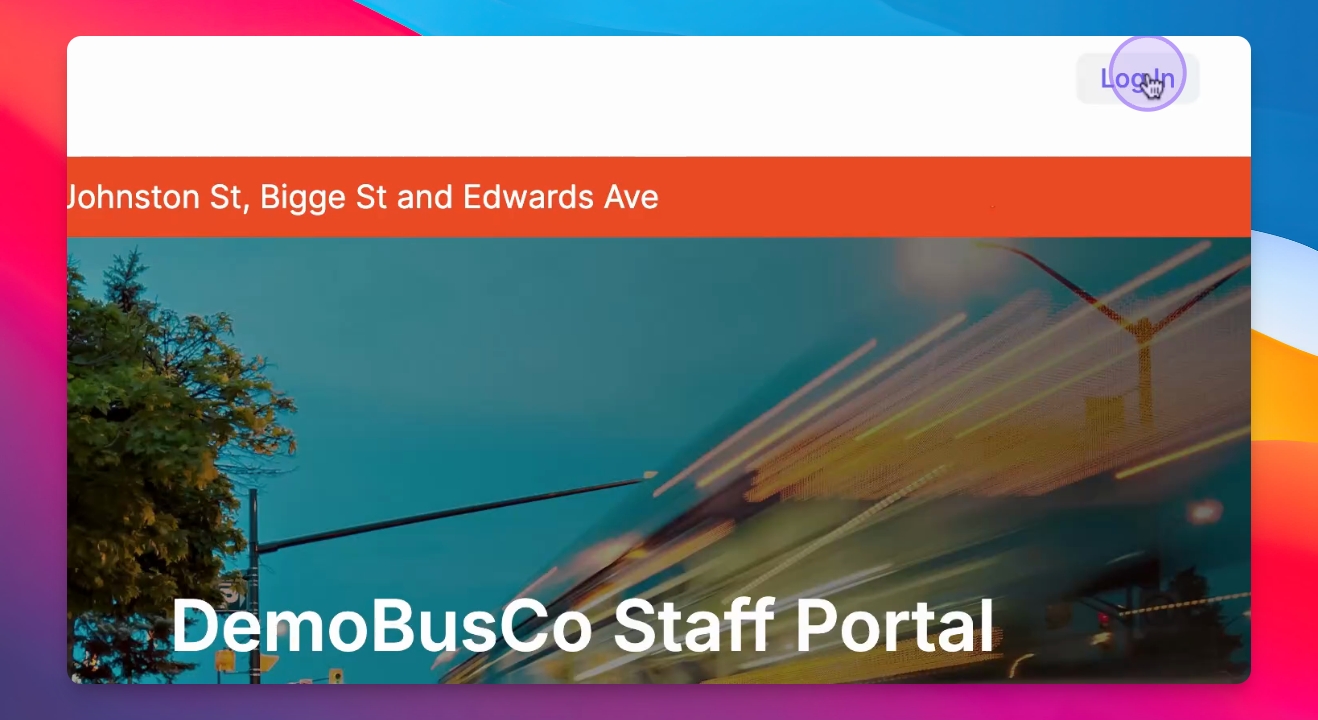
Step 1: Access the Intranet Portal
Log in to the intranet portal.
All staff members can be added to this portal.
Step 2: View Important Information
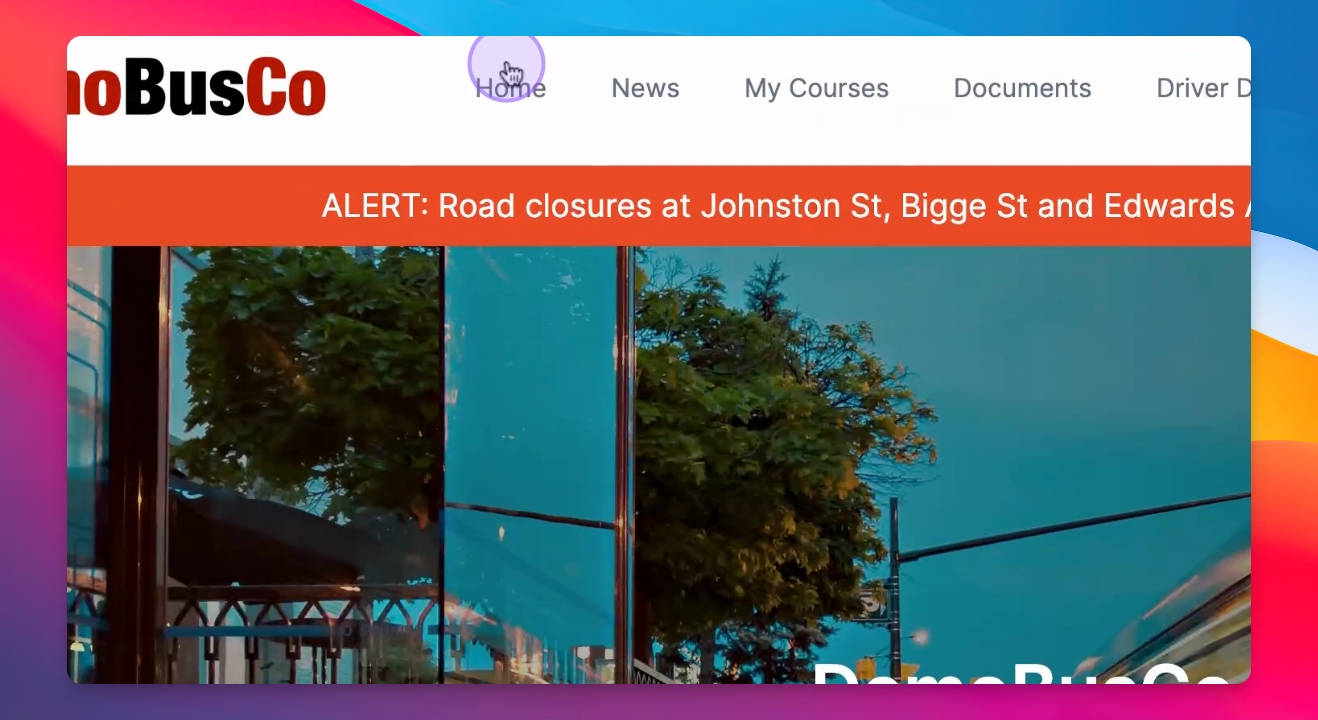
Once logged in, check the home information section.
Here, you will find alerts, news, e-learning courses, policy documents, and driver duties.
Step 3: Access Driver GS
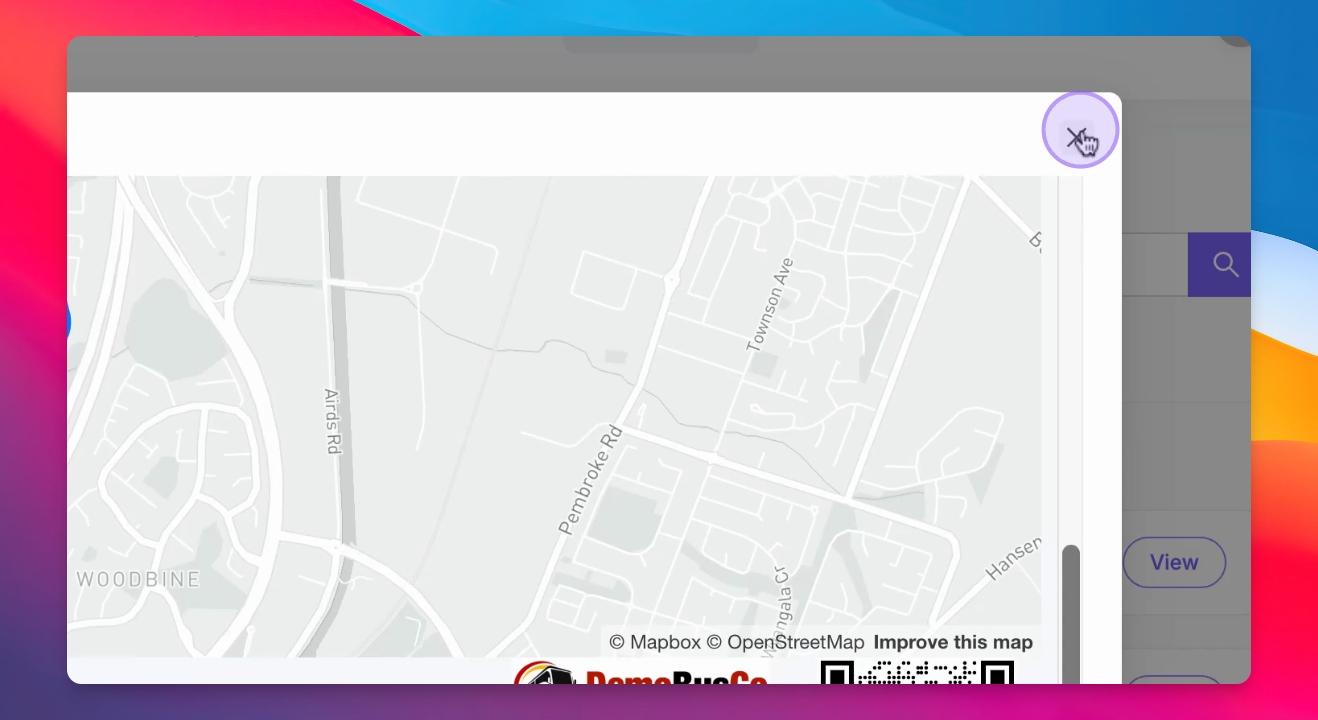
Check the driver GS for interactive maps.
These maps help bus drivers learn their routes before service.
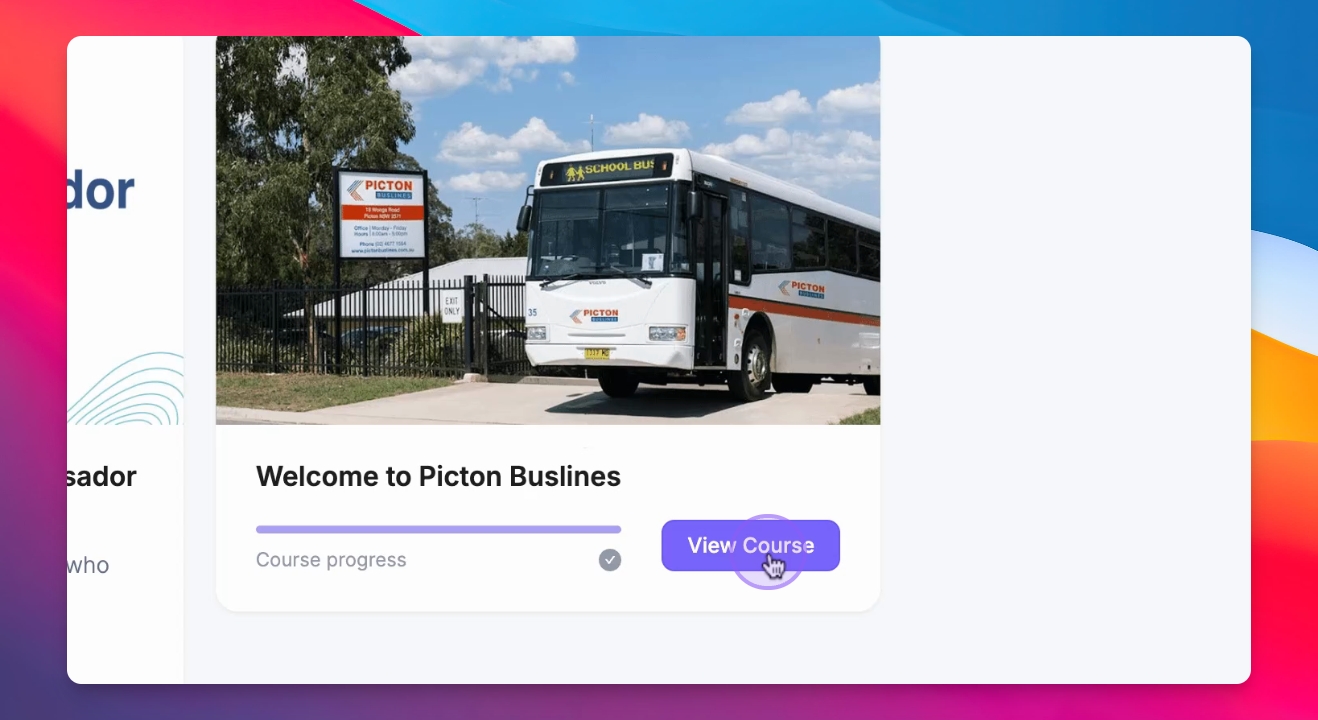
Step 4: Explore My Courses
In the My Courses section, click on View course to see the course summary.
You can start a new learning course or continue an existing one.
Step 5: Utilize Learning Resources
Each learning course includes e-learning videos, quizzes, documents, and interactive lessons.