TL;DR
Let's Do It Together!
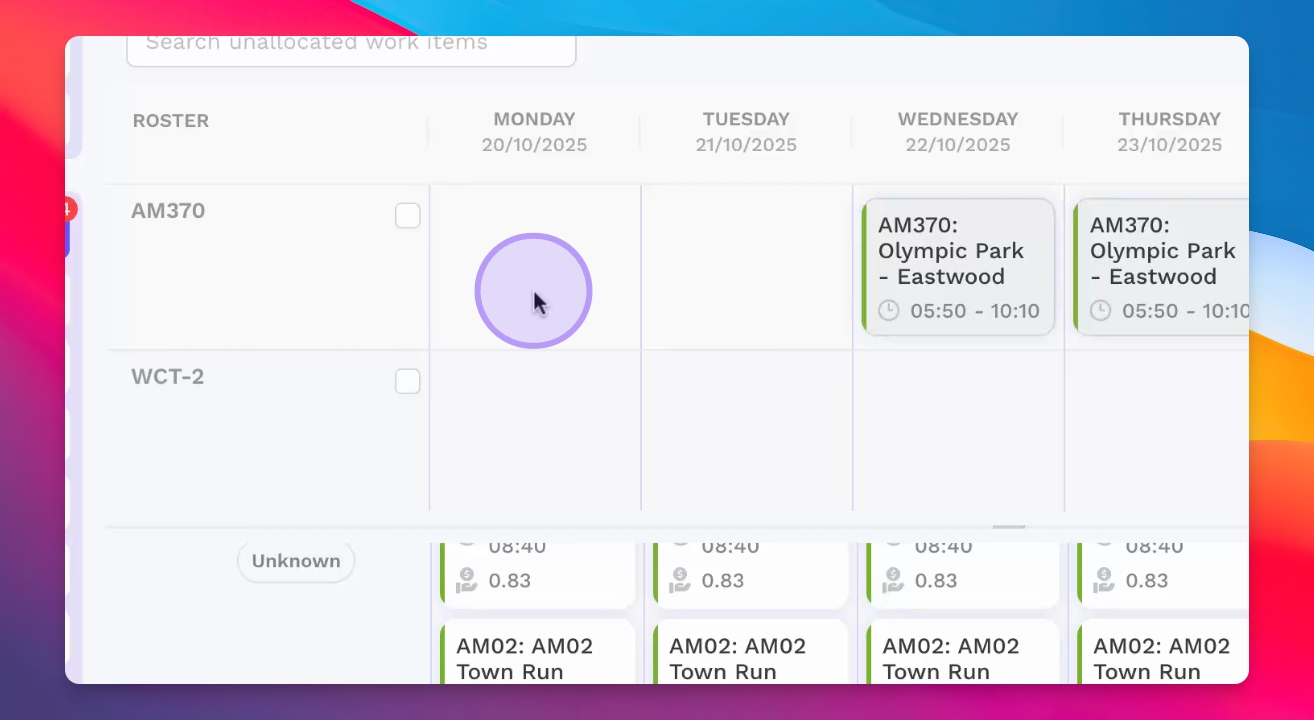
Step 1: View Unallocated Work
Open the Rostrum Allocations page to see all unallocated work items.
Click on the Allocated menu option to display unallocated work.
You will see planned services and charter work items that need allocation.
Step 2: Select Work Items
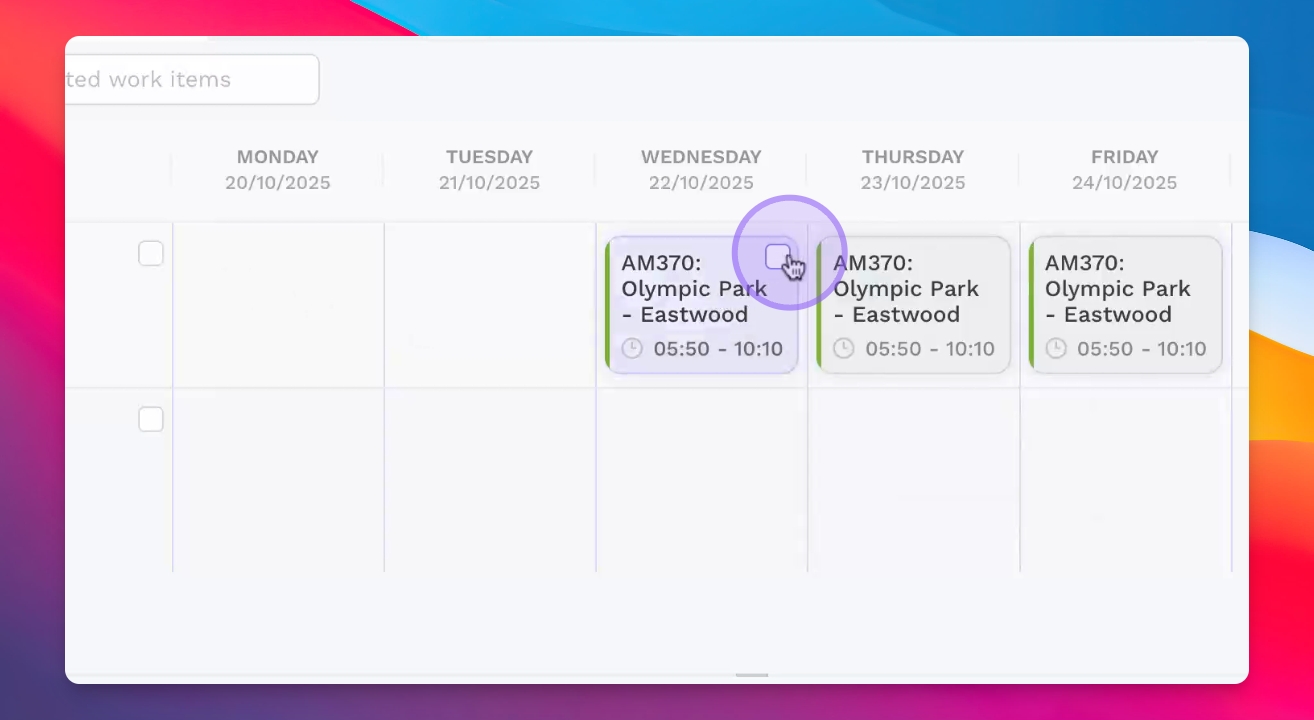
Select individual work items to allocate them one by one.
Alternatively, multi-select items to allocate across an entire roster row.
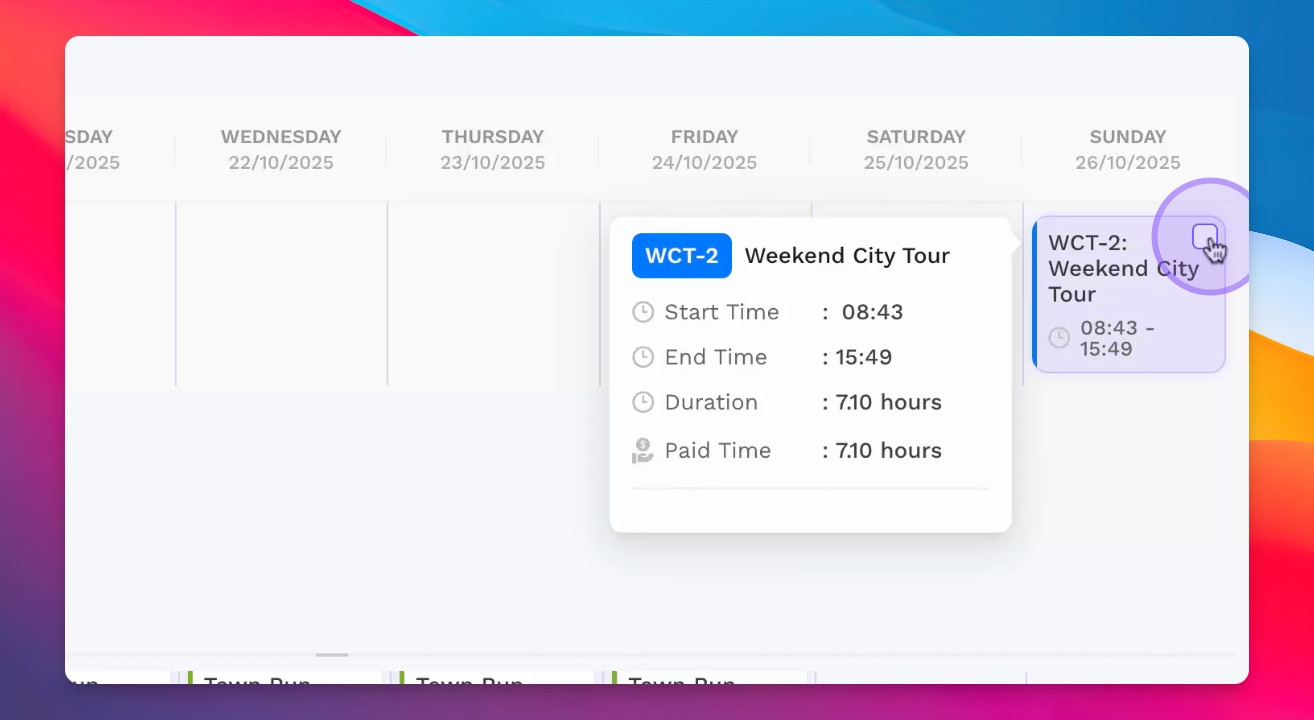
Step 3: Allocate to Drivers
Select a work item and allocate it to the relevant driver.
Check for any fatigue rules or breaches during allocation.
Ensure compliance with daily and weekly fatigue rules.
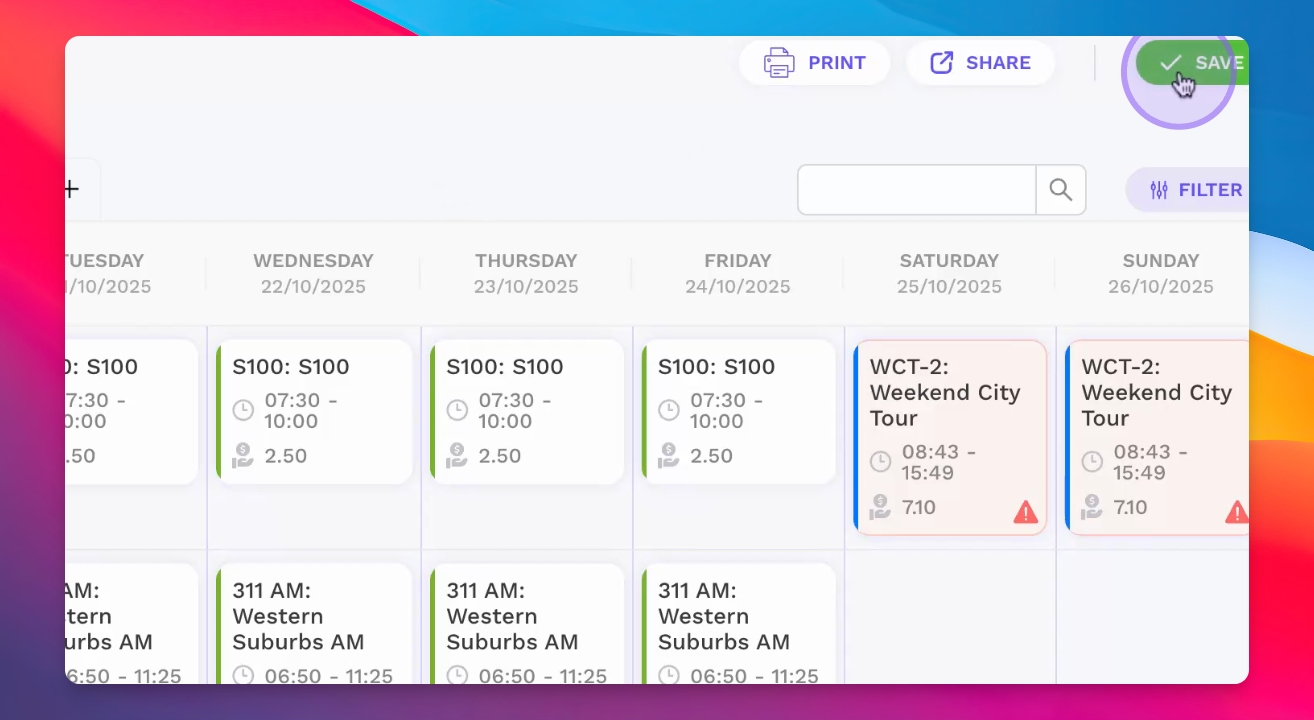
Step 4: Save Allocations
Once you are satisfied with the allocations, click Save.
Step 5: Reassign Entire Roster
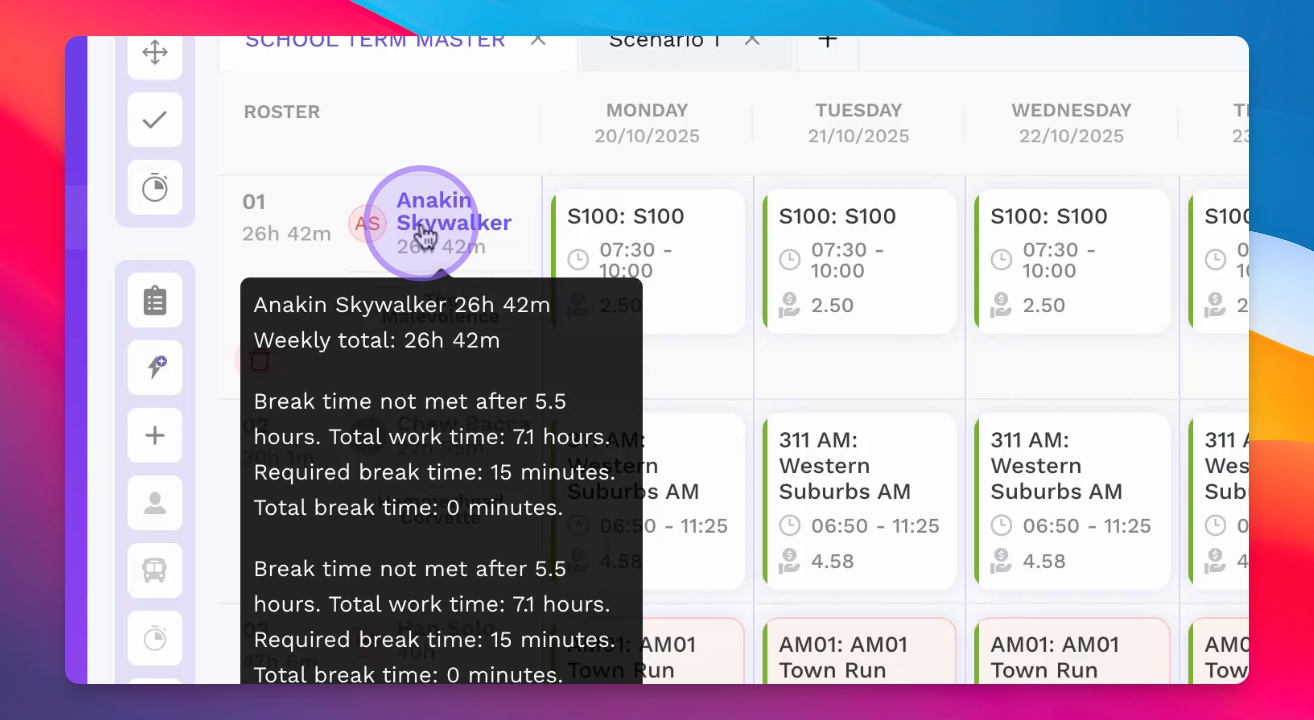
To allocate the entire roster to a different driver, select the staff member.
Click the Driver Allocation button to reassign the roster.
The entire roster will now be assigned to the new driver.
Step 6: Reassign Individual Work Items
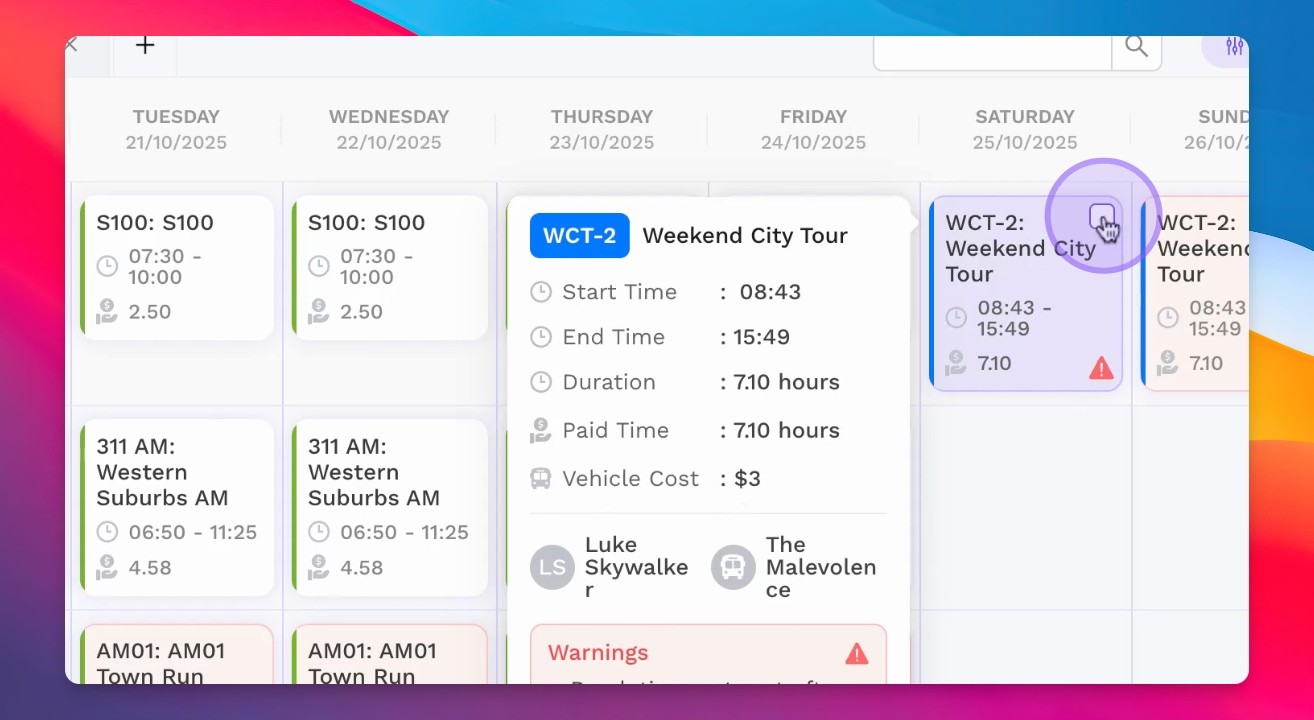
Select an allocated work item you want to reassign.
Choose a different driver for that work item.
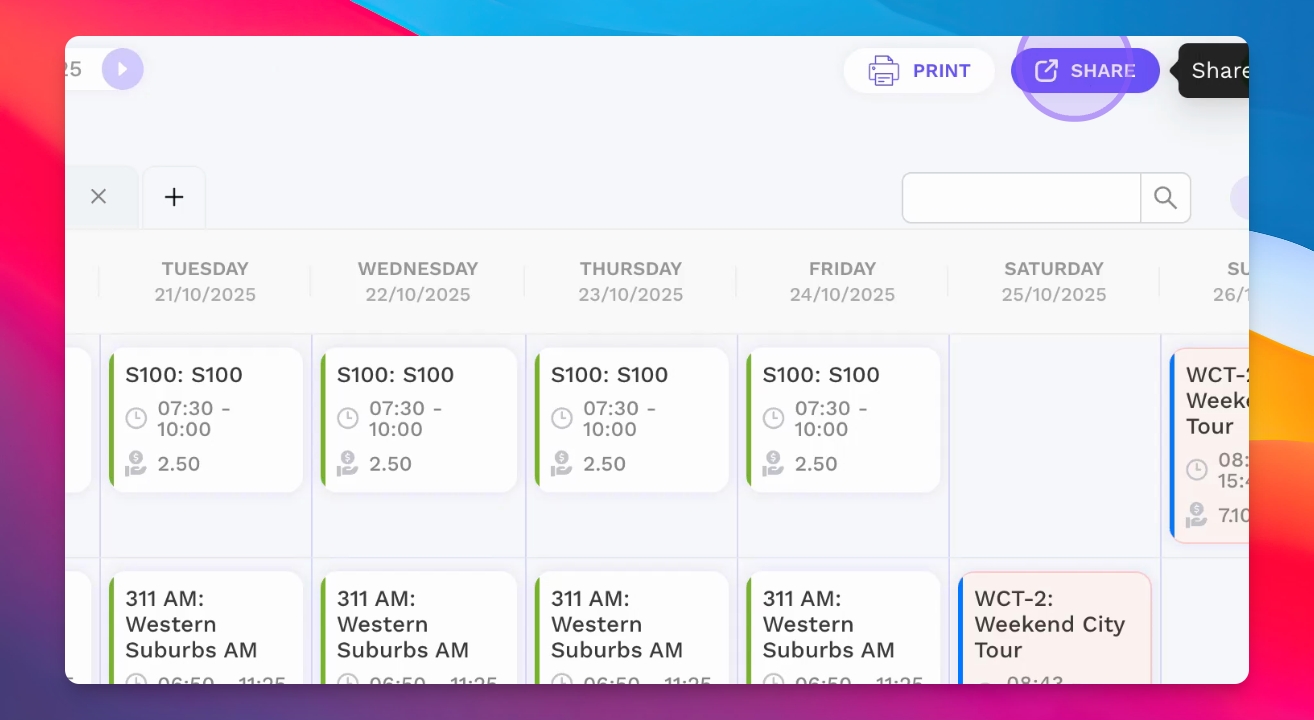
Step 7: Share Weekly Roster
Share the weekly roster with your drivers by clicking the Share button.
Send via SMS, email, WhatsApp, or copy the link to share individually.
Your drivers will receive the allocated work details through the chosen method.